How do I choose a smart watch? Here in details:
Choosing a smartwatch can feel overwhelming with so many options. But don’t worry—this guide breaks it down into simple steps. We’ll help you find the perfect watch based on your needs, budget, and lifestyle.
1. Set Your Budget First
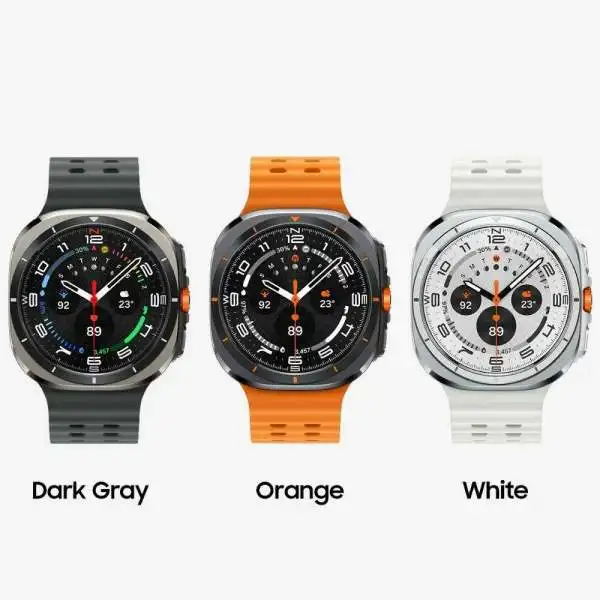
Smartwatches come in different price ranges. Decide how much you want to spend:
| Budget Range | What You Get | Best Picks |
|---|---|---|
| Under $100 | Basic step tracking, notifications | Amazfit Bip 5, Redmi Watch 5 Lite |
| $100–$300 | Better fitness tracking, GPS, longer battery | Samsung Galaxy Watch 6, Google Pixel Watch 2 |
| $300+ | Premium health features, LTE, rugged design | Apple Watch Ultra 2, Garmin Epix Pro |
💡 Tip: If you just need basic features, a budget watch works fine. If you want advanced health tracking, invest a little more.
2. Make Sure It Works with Your Phone
Not all smartwatches work well with every phone. Check compatibility before buying:
- iPhone users: Apple Watch is the best choice. Some Wear OS watches work but with fewer features.
- Android users: Samsung Galaxy Watch, Google Pixel Watch, or Wear OS watches fit best.
- Cross-platform: Garmin, Amazfit, and Huawei work with both but may have limited smart features.
📱 Quick Check: Visit the brand’s website to confirm compatibility.
3. Pick Features That Matter to You
A. Health & Fitness Tracking
- Basic: Steps, calories, sleep tracking (most watches).
- Advanced: Heart rate, ECG, blood oxygen (Apple Watch, Samsung Galaxy Watch).
- Sports modes: Running, swimming, cycling (Garmin, Coros).
🏃 For fitness lovers: If you run or swim, pick a watch with GPS and water resistance (5ATM or higher).
B. Battery Life
- 1–2 days: Apple Watch, Pixel Watch (charge daily).
- 3–7 days: Samsung Galaxy Watch, Huawei Watch GT 4.
- 10+ days: Garmin, Amazfit (great for travelers).
🔋 Battery tip: If you hate charging often, avoid Apple Watch and Pixel Watch.
C. Smart Features
- Notifications (calls, messages).
- Mobile payments (Apple Pay, Google Wallet).
- Voice assistants (Siri, Google Assistant).
- Music storage (Spotify offline playback).
🎵 Music lovers: Look for watches with storage for offline playlists.
D. Design & Comfort
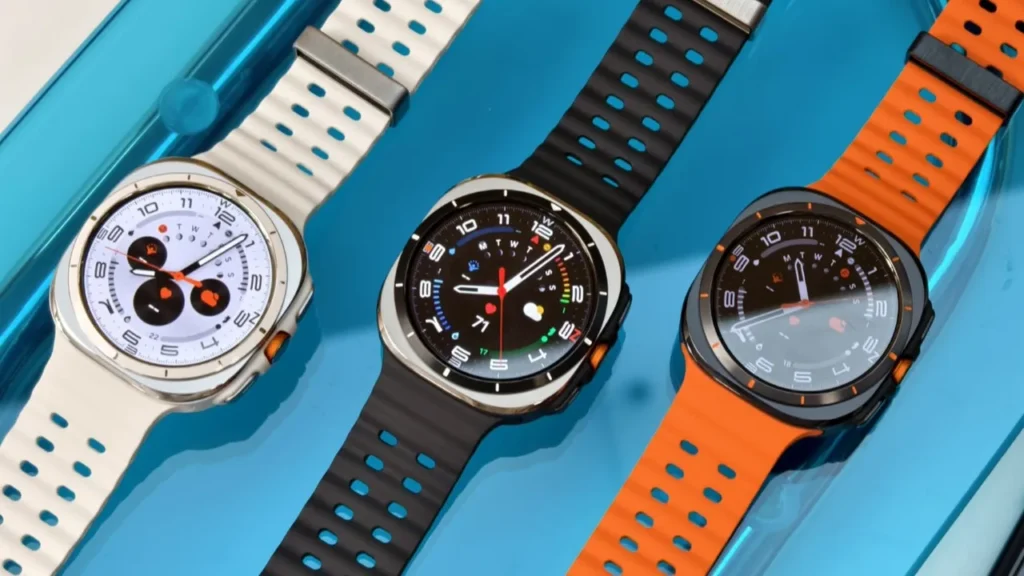
- Screen: AMOLED looks better, LCD saves battery.
- Size: Big screens are easier to read but heavier.
- Straps: Pick silicone for workouts, leather for style.
⌚ Try before buying: If possible, test the watch in-store for comfort.
4. Check Durability & Water Resistance
- IP68: Good for rain and splashes (not swimming).
- 5ATM/10ATM: Safe for swimming and showers.
- Military-grade (MIL-STD-810H): Tough for outdoor adventures.
🌊 Swimmers: Get at least 5ATM water resistance.
5. Compare Battery & Charging Speed
- Standard charging: 1–2 hours (most watches).
- Fast charging: Apple Watch (45 mins for 80%).
- Wireless vs. magnetic: Wireless is convenient, magnetic is faster.
⚡ Need quick charging? Check if the watch supports fast charging.
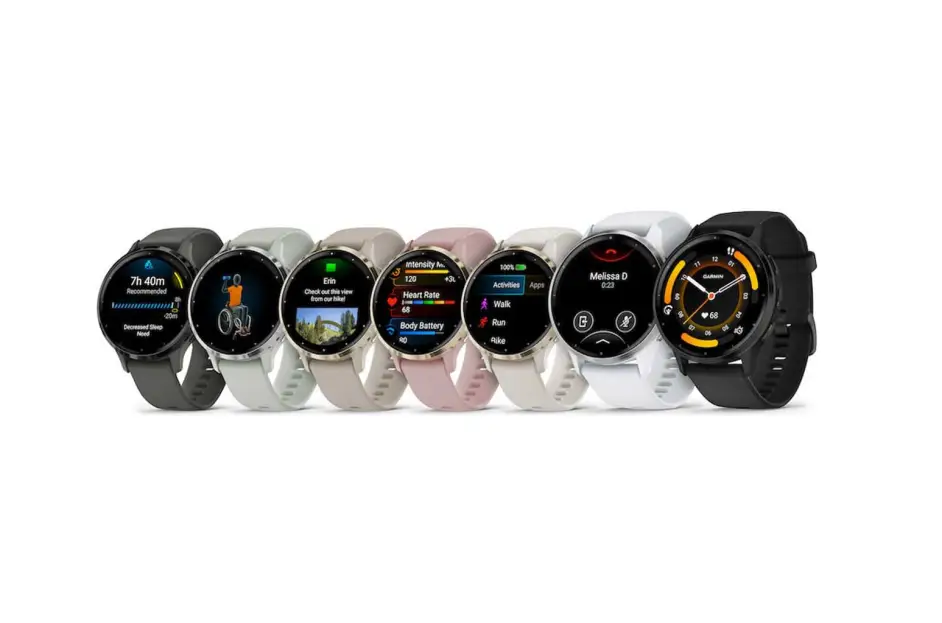
Best Smartwatches in 2024
| Category | Best Choice | Why? |
|---|---|---|
| Best Overall | Apple Watch Ultra 2 | Great health tracking, rugged, best for iPhone users |
| Best for Android | Samsung Galaxy Watch 6 | Smooth performance, great fitness features |
| Best Budget | Amazfit Bip 5 | 10-day battery, under $100 |
| Best for Fitness | Garmin Forerunner 265 | Accurate GPS, long battery |
| Best Hybrid | Fossil Gen 6 | Looks like a classic watch with smart features |
Final Tips Before Buying
✅ Try it on first – Comfort matters if you wear it all day.
✅ Read reviews – Check real user feedback on Amazon or YouTube.
✅ Future updates – Some brands stop updates after 2–3 years (Apple & Samsung last longer).
🎯 Bottom Line: Think about what you really need. A fitness fanatic needs GPS and long battery life. A casual user may just want notifications and style.
Still unsure? Ask in the comments—we’ll help! 😊
For information Click here…
Best Smartwatches to Buy Right Now. Read more…